Pedalboard
How to Build a Guitar Pedalboard: A Beginner's Guide
From pedal order and board size to power supplies and patch cables — a step-by-step guide to a first pedalboard that is tidy, durable, and hum-free.
· Tim BOXXCASE · 7 min read
Building a guitar pedalboard comes down to five steps: choose your core pedals, set the signal chain, pick a board size, get the right power supply, and tidy the cabling. A safe starting order for beginners is tuner → compressor → overdrive/distortion → modulation → delay → reverb.
This guide walks through each step practically, including the common mistakes that make a board noisy or short-lived.
Step 1: Choose your core pedals
Do not buy the board first. List the pedals you actually use on stage, not every pedal you own. For most players, a first board holds 4–7 pedals:
- Tuner — essential, and handy for muting while you swap guitars.
- Drive — overdrive, distortion, or fuzz for your genre.
- Modulation — chorus, phaser, or tremolo if you need it.
- Time-based — delay and reverb.
Leave room for one or two more. Almost every guitarist adds pedals within the first year.
Step 2: Set the signal chain
Pedal order shapes your sound. This is the most common order and a safe starting point:
- Tuner — gets the cleanest signal for accurate readings.
- Wah and fuzz — many classic fuzz pedals react best when fed straight from the guitar.
- Compressor — evens out dynamics before the drives.
- Overdrive and distortion — from low gain to high gain.
- Modulation — chorus, flanger, phaser, tremolo.
- Delay — so the repeats stay clean instead of getting distorted.
- Reverb — last, adding space to everything.
These are guidelines, not laws. Delay before distortion creates a chaotic wash that some experimental players love. Start with the standard order, then experiment.
Step 3: Pick the board size
Lay all your pedals on the floor in order, leave 1–2 cm between them for cables, and measure the length and width. Add room for future pedals. That measurement is what you shop with.
As a reference, the BOXXCASE Microboxx pedalboards come in several interior sizes:
| Model | Interior (L × W × H) | Best for |
|---|---|---|
| Microboxx 2 | 50 × 20 × 8.5 cm | A single row, compact rigs |
| Microboxx 3 | 35 × 27 × 10 cm | A two-row mini board |
| Microboxx 4 | 50 × 27 × 10 cm | 5–8 pedals in two rows |
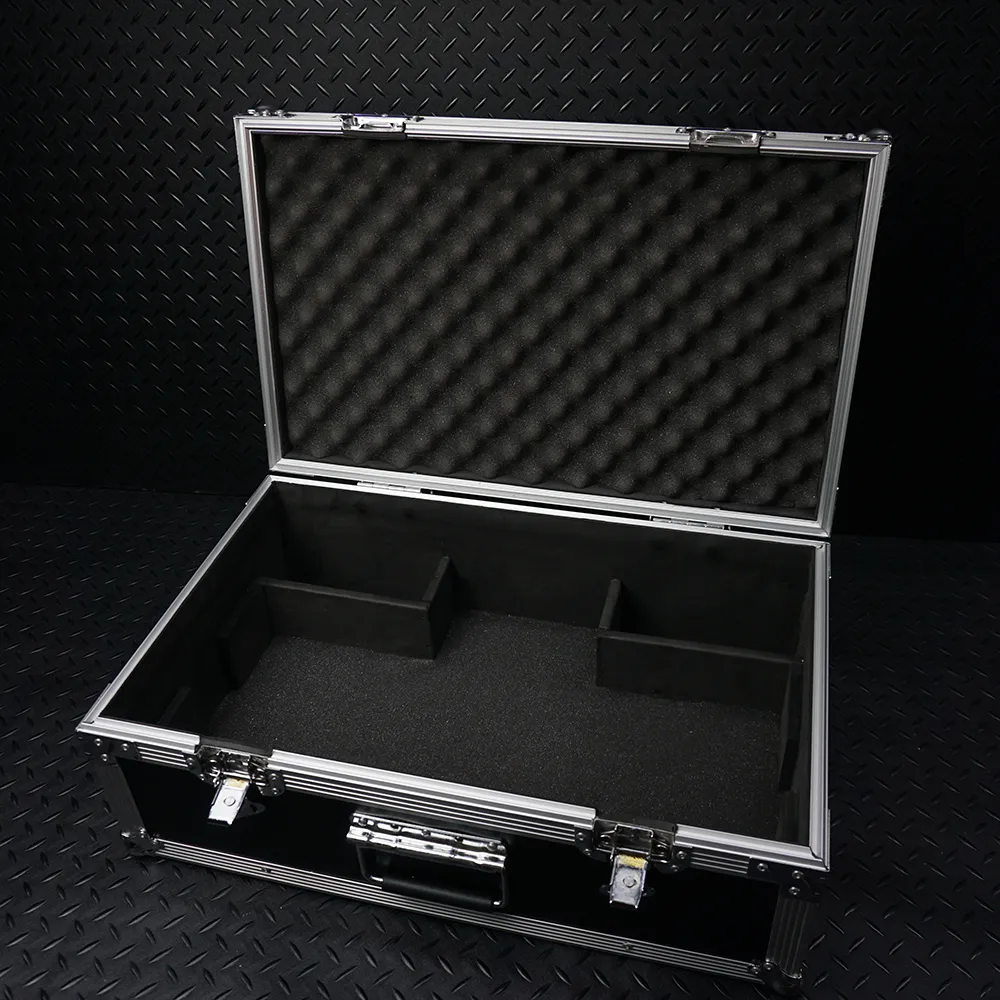
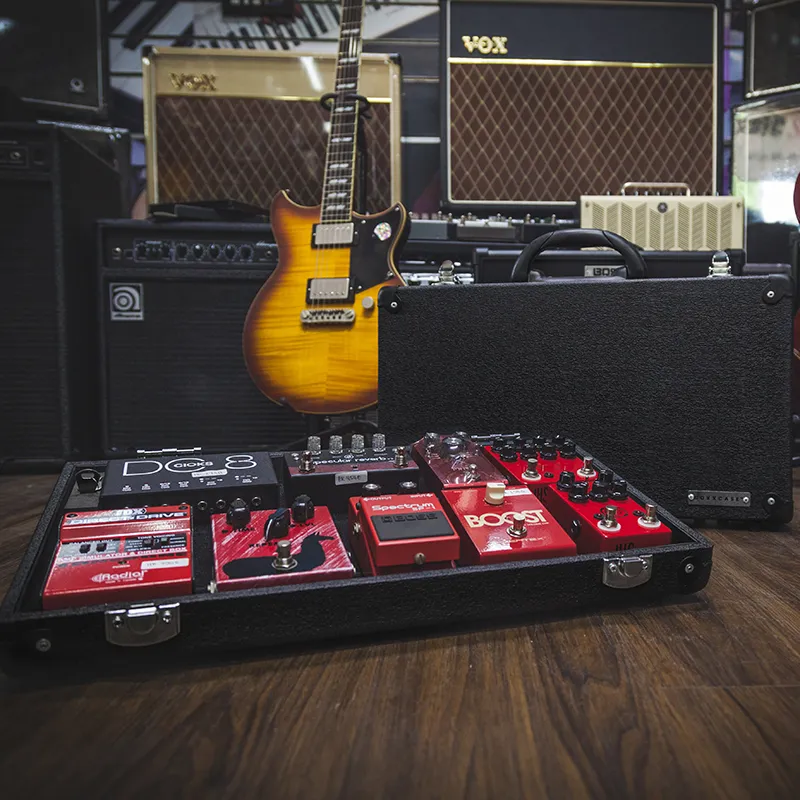
A pedalboard that is also its own case, like the Microboxx, saves you from rebuilding your layout before every gig.
Step 4: The right power supply
This is the most underrated part. A poor power supply is the number one cause of hum and noise. Check three things on every pedal: voltage (usually 9V), polarity (usually center-negative), and current draw in mA.
A supply with isolated outputs, such as the Vitoos, stops pedals from interfering with each other through the ground path. We explain it in detail in our guide to isolated vs daisy-chain power supplies.
Step 5: Patch cables and tidiness
- Keep patch cables as short as possible. Long cables add capacitance and dull your highs, especially with many true-bypass pedals.
- Choose solid connectors. Loose plugs cause crackles that are hard to trace. Cables like the BXJR Patch Cable are made for pedal-to-pedal runs.
- Separate power and signal cables. If they must cross, cross them at a right angle, not in parallel.
- Use a riser. A riser lifts the back row so those pedals are easier to stomp.
- Secure every pedal. A pedal that slides can pull its jacks loose.
Buffers, true bypass, and cable length
A true-bypass pedal passes your guitar signal untouched when it is off. That sounds ideal, but if every pedal is true bypass and the total cable run from guitar to amp reaches several metres, the signal loses its highs. The tone turns darker and less lively.
The fix is a buffer, a circuit that strengthens the signal so it can drive long cables. Many tuners and pedals from major brands already contain one. A few things to remember:
- One buffer early in the chain is usually enough for small and mid-size boards.
- Some classic fuzz pedals do not like sitting after a buffer. If your fuzz sounds thin, move it to the very front.
- The longer the cable to your amp, the more a buffer helps.
Plan the layout before you mount anything
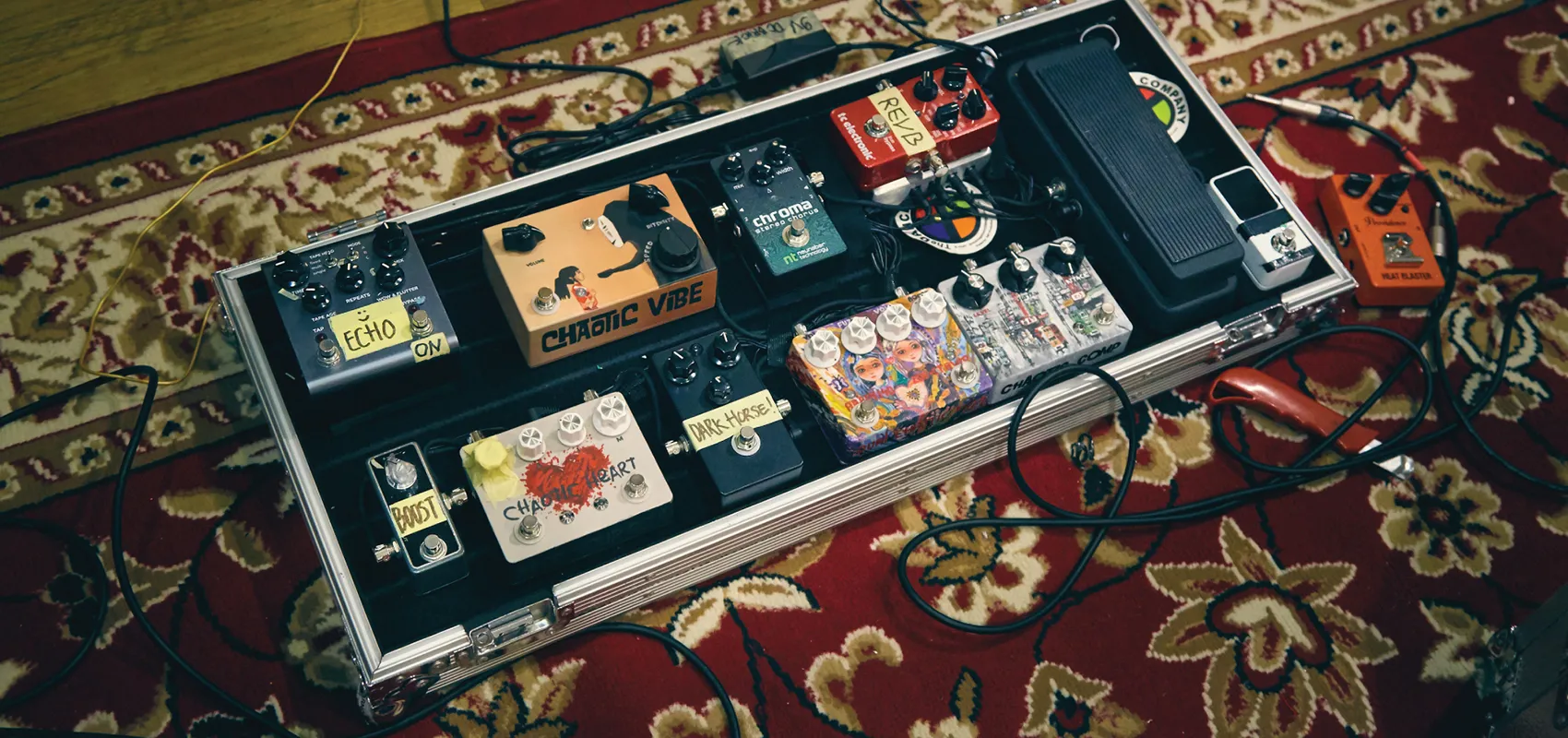
Before you stick any hook-and-loop tape, arrange every pedal on the board and take a photo from above. Check these points:
- The pedals you stomp most belong in the front row, within easy reach.
- Jack positions on each pedal (side or top) decide how long your patch cables need to be.
- Room for your feet. Leave enough space so you never hit two footswitches at once.
- Access to knobs. Pedals you adjust mid-set should not be buried under cables.
Play the board for a few days before you mount everything permanently. Small changes at this stage are far easier than rebuilding later.
Example chains for three playing styles
| Style | Pedal chain |
|---|---|
| Pop and worship | Tuner → compressor → light overdrive → second overdrive → chorus → delay → reverb |
| Rock and metal | Tuner → noise gate → overdrive (booster) → distortion → delay |
| Blues | Tuner → wah → fuzz → overdrive → tremolo → reverb |
Treat this table as a starting point. Your final sound still depends on your guitar, your amp, and how you play.
Caring for the finished board
A tidy pedalboard still needs regular attention, especially if it travels often:
- Check patch cables every few months. A loosening plug usually announces itself with crackles when the cable is touched.
- Re-secure the tape or fasteners. Vibration on the road slowly makes pedals shift.
- Dust between the pedals. Dust around jacks and knobs speeds up oxidation in humid climates.
- Keep the board in its case. Knobs and footswitches break most often when a board travels unprotected.
- Photograph your cabling. When something fails mid-gig, that photo makes troubleshooting much faster.
Look after each pedal too. The full guide is in our article on caring for guitar effects pedals.
Common beginner mistakes
- Buying a board that fits exactly, with no room to grow.
- Using a cheap daisy-chain adapter for digital pedals that draw a lot of current.
- Putting the tuner mid-chain, which makes readings unstable.
- Not testing each pedal on its own before assembly, which makes noise hard to trace.
Need more control, such as switching several pedals with one stomp? Consider a switcher like the HAKO Switcher once your board holds more than six pedals.
Signs your pedalboard needs an upgrade
- You have to stack or tilt pedals to make everything fit.
- Patch cables cross everywhere and are hard to trace when something fails.
- Your power supply has no free outputs for a new pedal.
- The board is too heavy or too large for your vehicle.
If two or more of these apply, it is time to redesign the board with a roomier size and layout.
Frequently asked questions
Does the pedal order always have to be the same?
No. The standard order is a safe starting point. Once you know each pedal, experiment freely.
How many pedals should a beginner have?
Four to seven covers almost every genre. Fewer pedals means fewer things that can go wrong.
Single pedals or a multi-effects unit?
A multi-effects unit is practical and compact, great for beginners who want to try many sounds. Single pedals give hands-on control and can be swapped one at a time. Many players combine both: a multi-effects unit for modulation and delay, single pedals for drive.
How do I attach pedals to the board?
The most common method is strong adhesive hook-and-loop tape on the pedal base and board surface. Clean both surfaces first so the adhesive grips properly, and use a quality tape that holds up in hot weather.
Does a pedalboard need a case?
If it leaves the house often, yes. A case protects knobs and footswitches from knocks and keeps your cabling intact.
- Pedalboard
- Pedal Chain
- Setup